Skip to content
Aerial view of the Manhattan skyline and East River
Voice Communications

Zoom Phone & Microsoft Teams Phone Services in NYC

Neteam Solutions plans, ports and manages cloud business phone systems for New York companies. We help you choose between Zoom Phone and Microsoft Teams Phone, move your existing numbers, set up desk phones and call flows, meet E911 requirements, and keep everything running on a network built for voice.

  • Zoom Phone
  • Microsoft Teams Phone
  • Free consultation
NeteamWhat you get
  • Zoom Phone and Microsoft Teams Phone setup
  • Number porting, E911 and desk phones handled
  • Migration off Avaya IP Office and legacy PBX
  • Offices in Astoria and Long IslandOn-site across the NYC metro area.
Cloud phone systems (UCaaS)

Cloud business phone systems for New York offices

Zoom Phone and Microsoft Teams Phone replace the phone closet with a cloud phone system your staff use from a desk phone, a laptop or a mobile app. The right choice depends on how your team already works, which phone carrier you want, and the devices you need to keep.

Because Neteam is a full managed IT company, we look at the whole picture: your Microsoft 365 licensing, your network and firewall, your cabling, and any Avaya IP Office or legacy PBX you are moving away from. You get one team for the phones and everything they run on.

Request a free consultation

Zoom Phone vs Teams Phone

Spec sheet
Feature Zoom Phone Teams Phone
Best fit Teams that already meet and chat in Zoom Offices that live in Microsoft 365 and Teams
Where users call from Zoom Workplace app, desk phones, mobile app Teams app, Teams desk phones, mobile app
Phone service Zoom calling plans or Bring Your Own Carrier Calling Plans, Operator Connect or Direct Routing
Call handling Auto receptionists, call queues, shared lines Auto attendants, call queues, shared lines
Licensing Zoom Phone license per user Teams Phone license plus phone service per user
Setup & configuration

Zoom Phone and Teams Phone setup, built around how you answer calls

A cloud phone system is only as good as its configuration. We program the call flows, devices and mobile features your staff use every day.

Open-plan NYC office where calls are routed to departments
01

Auto receptionists, auto attendants & call queues

We map how your office answers the phone today, then rebuild it in the cloud: a main-number menu, business-hours and holiday schedules, department call queues, and overflow rules so calls never ring into a void.

  • Zoom Phone auto receptionists and Teams auto attendants with after-hours routing
  • Call queues for front desk, sales and support, with overflow and voicemail
  • Shared lines and delegation for assistants and reception
  • Voicemail-to-email and voicemail transcription where the plan includes it
Business desk phone on an office desk
02

Certified desk phones, conference phones & analog devices

Not everyone wants a headset. We source and provision desk and conference phones from the Zoom and Microsoft Teams certified device lists, including models from manufacturers such as Poly and Yealink, and plan for the devices that are easy to forget.

  • Zoom Phone certified handsets and Teams-certified desk phones
  • Conference-room phones and common-area phones for lobbies and break rooms
  • Analog adapters for fax machines, door phones and paging, where supported
  • Elevator, alarm and fire-panel lines flagged early for a dedicated solution
Hands holding a tablet with a business phone app
03

Mobile apps, business SMS & call recording

Your business number follows your people to their laptop and mobile phone, so staff stop handing out personal cell numbers. We set up the features that matter for your industry and your record-keeping.

  • Zoom and Teams mobile and desktop apps with your business caller ID
  • Zoom Phone business SMS, including US 10DLC text-messaging registration
  • On-demand or automatic call recording with role-based access, where your plan supports it
  • Presence, call park and transfer between desk phone and mobile
Microsoft Teams Phone

Teams Phone: Calling Plans vs Operator Connect vs Direct Routing

Teams Phone needs a way to reach the public phone network. Microsoft offers three, and the right one depends on your carrier, your budget and the devices you need to keep.

Simplest

Microsoft Calling Plans

Microsoft acts as your phone carrier. Numbers and calling minutes are licensed per user straight from Microsoft, with nothing to install on site.

Carrier
Microsoft
On-site hardware
None for phone service
Good fit when
You want one vendor and a straightforward setup
Carrier choice

Operator Connect

A participating carrier delivers phone service into Teams, and numbers are managed from the Teams admin center. You keep a carrier relationship without running your own gateway.

Carrier
A participating operator you choose
On-site hardware
None for phone service
Good fit when
You want carrier pricing or support without an SBC
Most flexible

Direct Routing

Your own SIP trunks connect to Teams through a certified Session Border Controller (SBC). It allows hybrid setups alongside an existing PBX and analog devices.

Carrier
Any SIP trunk provider
On-site hardware
Certified SBC (hosted or on premises)
Good fit when
You need PBX coexistence, analog devices or a specific carrier

Microsoft 365 licensing, sorted

Teams Phone is licensed per user. It is included in some enterprise Microsoft 365 plans and available as an add-on to others, and phone service is licensed on top unless you use Direct Routing. Auto attendants and call queues use resource accounts with their own license. As a Microsoft partner managing your Microsoft 365 tenant, we line up the right licenses so you are not paying for seats you do not use.

Rollout & number porting

Business phone number porting and rollout, step by step

Moving phone systems should not mean missed calls. We follow the same survey, design, port, install and manage sequence on every project, whether it is one office or several.

Plan your move
Step 01
Survey

We inventory your numbers, extensions, call flows, handsets, fax and analog lines, and test your internet and network for voice.

Step 02
Design

We recommend Zoom Phone or Teams Phone, choose the phone-service model, and document every auto receptionist, queue and E911 location.

Step 03
Port your numbers

We gather the Letter of Authorization and current carrier details, submit the port, and confirm the cutover date with the carriers before anything changes.

Step 04
Install & train

Desk phones provisioned, apps deployed, call flows tested, and staff shown how to transfer, park and check voicemail on day one.

Step 05
Manage

Adds, moves and changes, new hires and departures, call-flow edits and device swaps handled by the team that already supports your IT.

Network readiness

Network readiness for VoIP: QoS, bandwidth and cabling

Most cloud phone complaints, such as choppy audio, one-way calls and dropped transfers, trace back to the local network rather than Zoom or Microsoft. We check and tune your network before the first call is moved.

  • Bandwidth sized against Zoom and Microsoft published per-call guidance
  • QoS and DSCP marking so voice packets get priority over bulk traffic
  • Voice VLANs and PoE switching for desk phones
  • Firewall rules for Zoom and Microsoft media ranges; SIP ALG disabled
  • Jitter, latency and packet-loss testing before cutover
  • Wi-Fi coverage checked for mobile and softphone users

Need new drops for desk phones or a cleaned-up closet? Our own team handles data and voice structured cabling, and our network and security services cover the firewall your calls pass through.

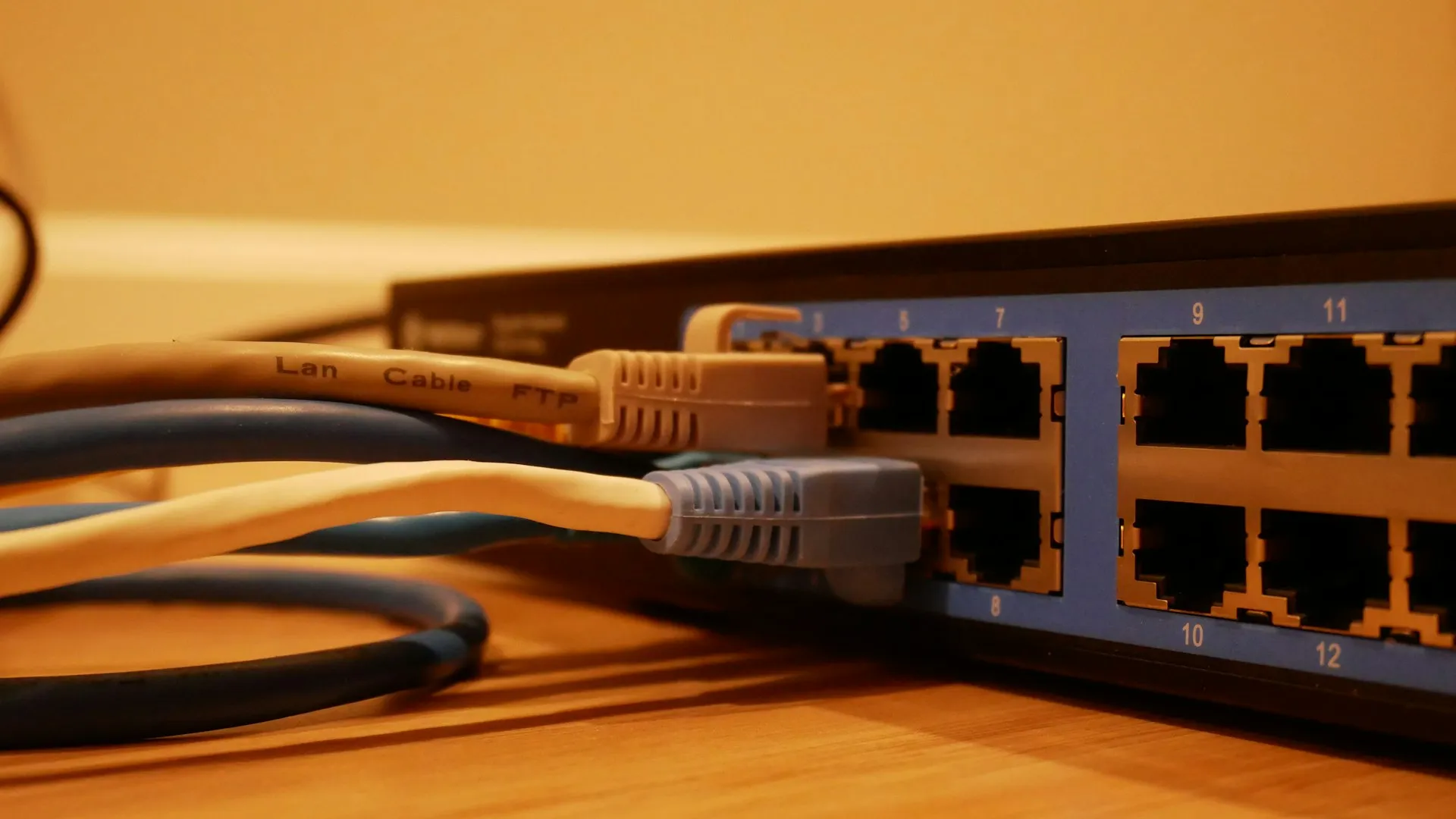
Ethernet cables plugged into a network switch, ready for VoIP traffic
E911 compliance

E911 for cloud phones: Kari's Law and RAY BAUM'S Act

Federal rules require business phone systems to connect 911 calls directly and send a location first responders can act on. With staff moving between floors, offices and home, that location has to be configured, not assumed.

We set up emergency addresses for every site, floor and suite, configure on-site notifications so reception or security knows when 911 is dialed, and enable location prompts for remote workers in Zoom Phone or Teams Phone.

Review my E911 setup

E911 requirements

Spec sheet
Kari's Law
Multi-line telephone systems must let users dial 911 directly, with no prefix such as 9, and notify a central point such as a front desk or security when 911 is called.
RAY BAUM'S Act
Section 506 requires a dispatchable location to be sent with 911 calls: the street address plus details such as floor, suite or room.
Zoom Phone
Emergency addresses assigned per site and per user, with nomadic emergency services to detect location from the network.
Teams Phone
Emergency addresses and places in the Teams admin center, plus dynamic emergency calling based on network subnet, switch or access point.
Remote staff
Users working from home can be prompted to confirm their address, so first responders receive the right location.
Planning a phone system migration on a laptop
PBX migration

Migrating from Avaya IP Office or a legacy PBX

We have supported Avaya IP Office phone systems in New York since 2001, so we know what is programmed inside them, and what tends to get lost in a move to the cloud.

  • Full export of your Avaya IP Office or legacy PBX programming before anything changes
  • Phased cutover by site or department, with your main number ported last
  • Teams Direct Routing hybrid setups that keep an existing PBX running during the transition
  • Old handsets and trunks retired only after the new system is confirmed working

Not ready to move yet? We continue to support your existing Avaya system until you are.

After go-live

Managed Zoom Phone and Teams Phone support

Your phone system keeps changing after launch. We handle the day-to-day administration so your office manager does not have to.

Adds, Moves & Changes

New hires, departures, extension changes and call-flow edits handled on request.

Network Monitored 24/7/365

We monitor the network your calls ride on around the clock, so voice issues are caught early.

Helpdesk Mon–Fri 9–5:30

Your staff call the same team for phone questions as for the rest of their IT.

Serving NYC Since 2001

Voice, networking and cabling experience from offices in Astoria and Long Island.

FAQ

Zoom Phone and Teams Phone questions

Should my business choose Zoom Phone or Microsoft Teams Phone?

It usually comes down to where your staff already work. If your team lives in Microsoft 365 and Teams, Teams Phone keeps calling, chat and meetings in one app. If you already rely on Zoom for meetings, Zoom Phone is often the simpler fit. Both support auto attendants, call queues, desk phones and mobile apps, so we compare licensing cost, phone-service options and any special devices before recommending one.

Can we keep our existing business phone numbers?

In most cases, yes. Local and toll-free numbers can generally be ported to Zoom Phone or Teams Phone. We collect a Letter of Authorization and your current carrier account details, check that the numbers are portable, and schedule the cutover date with the carriers. We typically port the main number last so callers are never stranded.

What is the difference between Teams Calling Plans, Operator Connect and Direct Routing?

They are the three ways to connect Teams Phone to the public phone network. With Calling Plans, Microsoft is your carrier. With Operator Connect, a participating carrier provides service directly into Teams with no on-site gateway. With Direct Routing, your own SIP trunks connect through a certified Session Border Controller, which also allows hybrid setups with an existing PBX.

Do we need new desk phones?

Not necessarily. Many users are happy with the desktop and mobile apps and a headset. For people who want a handset, Zoom Phone and Teams Phone each publish a list of certified devices. Some existing SIP phones can be reused, but most legacy PBX handsets, including Avaya digital phones, cannot, so we check each model before you buy anything.

How do Kari's Law and RAY BAUM'S Act apply to a cloud phone system?

Kari's Law requires that anyone can dial 911 directly without a prefix, and that a central point such as a front desk is notified when 911 is called. RAY BAUM'S Act requires a dispatchable location, meaning the street address plus details like floor or suite, to be sent with 911 calls. We configure emergency addresses, notifications and remote-worker locations in Zoom Phone or Teams Phone as part of every rollout.

Can you migrate us off our Avaya IP Office system?

Yes. Neteam has supported Avaya IP Office in New York since 2001, so we can document your existing programming, port your numbers and move users in phases. If you are not ready to move, we continue to support your Avaya system, and a Teams Direct Routing hybrid can keep both running side by side during the transition.

Will our current internet connection handle VoIP calls?

Often it will, but it needs to be checked. We test bandwidth, jitter, latency and packet loss, configure quality-of-service so voice gets priority, and review firewall and Wi-Fi settings. If the cabling or switching is the problem, our own low voltage team can fix it.


Ready to move your phones to the cloud?

We serve the NYC metro area, Nassau County, parts of Yonkers, White Plains and northeastern New Jersey, with remote support for companies nationwide.

Schedule a Free Consultation