Skip to content
Graphics processors of the kind that run AI workloads
AI Adoption & Governance

Secure, governed AI adoption for New York businesses

Neteam Solutions helps NYC small and mid-sized businesses roll out Microsoft 365 Copilot and Claude Enterprise the right way: data cleaned up first, clear rules for staff, Microsoft Purview controls in place, and ongoing management from the team that already secures your IT.

  • Microsoft 365 Copilot readiness
  • Claude Enterprise setup & management
NeteamWhat you get
  • Data cleaned up before AI goes liveFix oversharing and permissions first
  • Clear rules for staffAcceptable-use policy backed by Purview controls
  • Managed by the team that secures your ITServing NYC businesses since 2001
  • Offices in Astoria and Long IslandHands-on support from NYC-based engineers
Why AI needs a plan

Your team is already using AI. The question is whether it is governed.

AI tools can save real time, but switching them on without preparation puts your data at risk. The most common problems we see are simple to describe and easy to miss:

  • Staff pasting client or financial data into free, unapproved AI tools
  • Copilot surfacing files that were overshared in SharePoint, OneDrive, or Teams
  • No written policy on which AI tools are allowed, or for what
  • No retention, audit trail, or eDiscovery plan for AI-generated content

We treat AI like any other business system: prepare the data, set the rules, roll out in stages, and manage it over time.

Plan your AI rollout
Code on a screen in warm amber tones
Governed from day oneData ready, rules set, controls on
What we deliver

How we help you adopt AI safely

From Microsoft 365 Copilot to Claude Enterprise, each service is built around your data, your compliance needs, and your people.

Hands typing on a laptop at a wooden desk
01

Microsoft 365 Copilot rollout & readiness

Copilot can reach anything a user already has access to in Microsoft 365. We get your licensing and your data in order first, then roll it out in stages so your team actually uses it.

  • Licensing guidance: who needs Copilot, and on which Microsoft 365 plans
  • Data-readiness review: find and fix oversharing and loose permissions in SharePoint, OneDrive, and Teams
  • Pilot groups before a company-wide rollout
  • User training and adoption support
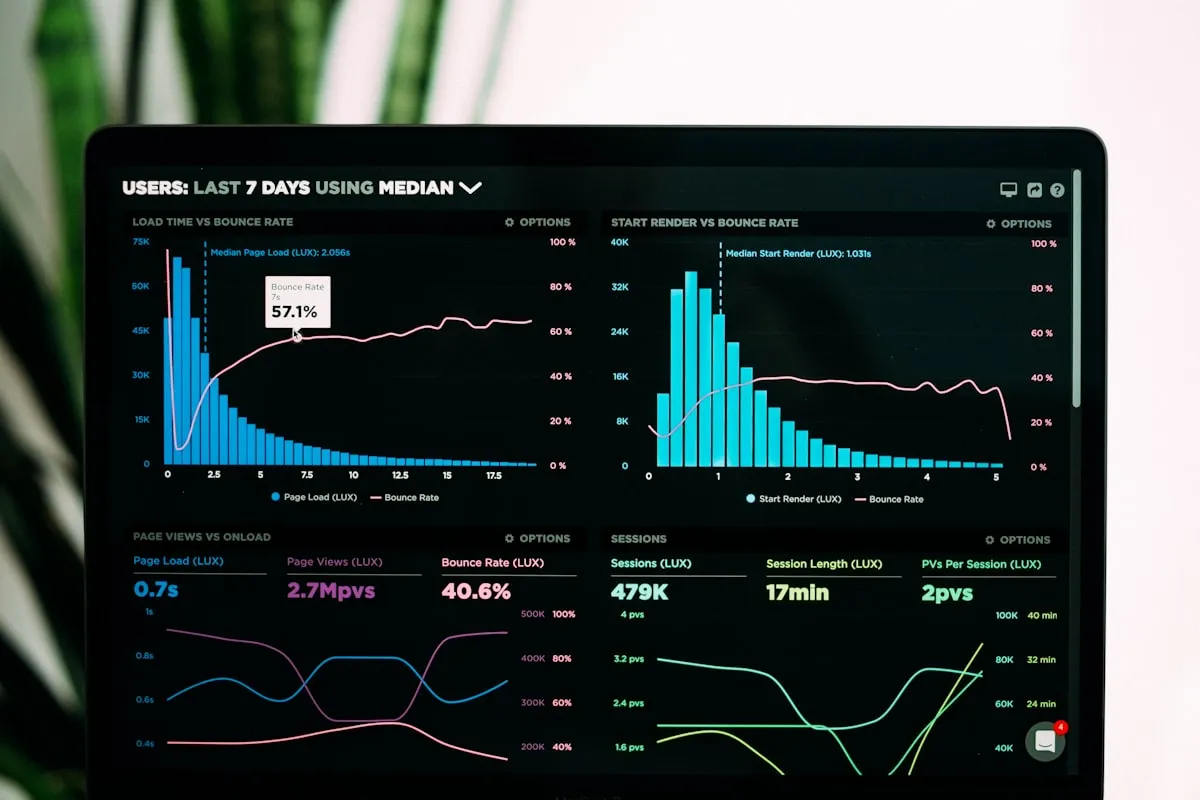
Monitoring dashboard with charts on a laptop screen
02

AI governance: policy, labels & DLP

Clear rules for how your people use AI, enforced by the tools you already pay for in Microsoft 365.

  • A written acceptable-use policy for AI tools
  • Microsoft Purview sensitivity labels and data loss prevention (DLP)
  • Control over which AI apps staff can use, to reduce shadow AI
  • Regular access reviews so permissions stay tight over time
Rows of bound reference volumes on a library shelf
03

eDiscovery, retention & audit

When AI creates and summarizes business records, those records need the same retention and discovery controls as email and documents. This matters for any business with legal or regulatory exposure, such as law firms, financial firms, and healthcare organizations.

  • Microsoft Purview eDiscovery setup
  • Retention policies that cover AI-generated content
  • Audit logging of Copilot and AI interactions
  • Litigation-hold readiness
Hands typing on a laptop keyboard
04

Claude Enterprise, set up and managed

For teams that want Claude Enterprise from Anthropic, Neteam handles the deployment and day-to-day administration so it fits your identity, security, and usage rules.

  • Single sign-on (SSO) and SCIM user provisioning
  • Admin controls and workspace configuration
  • Usage policies aligned with your AI acceptable-use policy
  • Onboarding and training for your team
01 How we roll it out

From first conversation to managed AI

Each step closes a risk before the next one opens a capability.

Start with an assessment
01
Assess

Review how your team uses AI today, your Microsoft 365 licensing, and where your sensitive data lives.

02
Prepare data

Clean up oversharing and permissions, and apply sensitivity labels before any AI tool can surface your files.

03
Pilot

Start with a small pilot group, gather feedback, and adjust settings before expanding.

04
Govern & train

Put the acceptable-use policy, DLP, retention, and audit controls in place, and train your staff.

05
Ongoing management

Manage licenses, users, policies, and access reviews as your team and the tools change.

Office desk with a desktop computer and laptop by a city window
One team, one stackAI managed alongside your IT and security
Built on your existing protection

AI governance that connects to the rest of your security

AI tools inherit the strengths and weaknesses of the environment they run in. We tie your AI rollout to the services that already protect your business.

Talk to our team
Why Neteam Solutions

AI guidance from the people who already secure your business

IT & Security Experience

Running business technology for New York companies since 2001.

Microsoft 365 Depth

Copilot, Purview, and governance handled by the team that already manages Microsoft 365 for clients.

Security First

AI rollouts built on MFA, our SOC 2 compliance practice, and 24/7 Huntress-powered threat detection.

Training Included

Your staff learns what to share with AI, what never to share, and how to check what it produces.

FAQ

Common questions about AI adoption

Does everyone in the company need a Microsoft 365 Copilot license?

No. Microsoft 365 Copilot is licensed per user as an add-on to eligible Microsoft 365 plans. We help you decide who gets a license, and we usually start with a pilot group before expanding.

Can Copilot show employees files they should not see?

Copilot works within each user’s existing permissions, so it can surface anything that user can already access. That is why we review and clean up oversharing in SharePoint, OneDrive, and Teams before rollout.

Can you stop staff from using unapproved AI tools?

We combine a written acceptable-use policy with technical controls such as Microsoft Purview data loss prevention and restrictions on which AI apps can be used, so sensitive data is protected even when someone reaches for an unapproved tool.

Are Copilot conversations covered by retention and eDiscovery?

Microsoft Purview can audit Copilot interactions and apply retention policies and eDiscovery to them, depending on your Microsoft 365 licensing. We configure these so AI content is handled like the rest of your business records.

Do you only work with Microsoft AI tools?

No. Neteam also deploys and manages Claude Enterprise from Anthropic, including SSO and SCIM provisioning, admin controls, usage policies, and staff onboarding.


Ready to roll out AI the right way?

Start with an assessment of your Microsoft 365 data, licensing, and current AI use, and get a clear plan for a governed rollout.

Book an AI Assessment