Skip to content
Server rack with network cables lit in green
MCP System Aggregation for AI

MCP integration for NYC businesses: connect your systems to AI, securely

Your AI assistant is only as useful as the information it can reach. Neteam Solutions uses the Model Context Protocol (MCP) to connect Microsoft 365, SharePoint, CRM, accounting, ERP, ticketing, file shares, and databases to the AI tools your team uses, through governed connectors with least-privilege access, authenticated sign-in, and full audit logging.

  • Least-privilege connectors
  • Audit logging built in
NeteamGoverned by design
  • One standard, many assistantsClaude, ChatGPT, Copilot Studio, and more
  • Read-only firstWrite actions added deliberately, with approvals
  • Every request loggedWho asked, what ran, which system it touched
  • NYC-based IT and security teamServing New York businesses since 2001
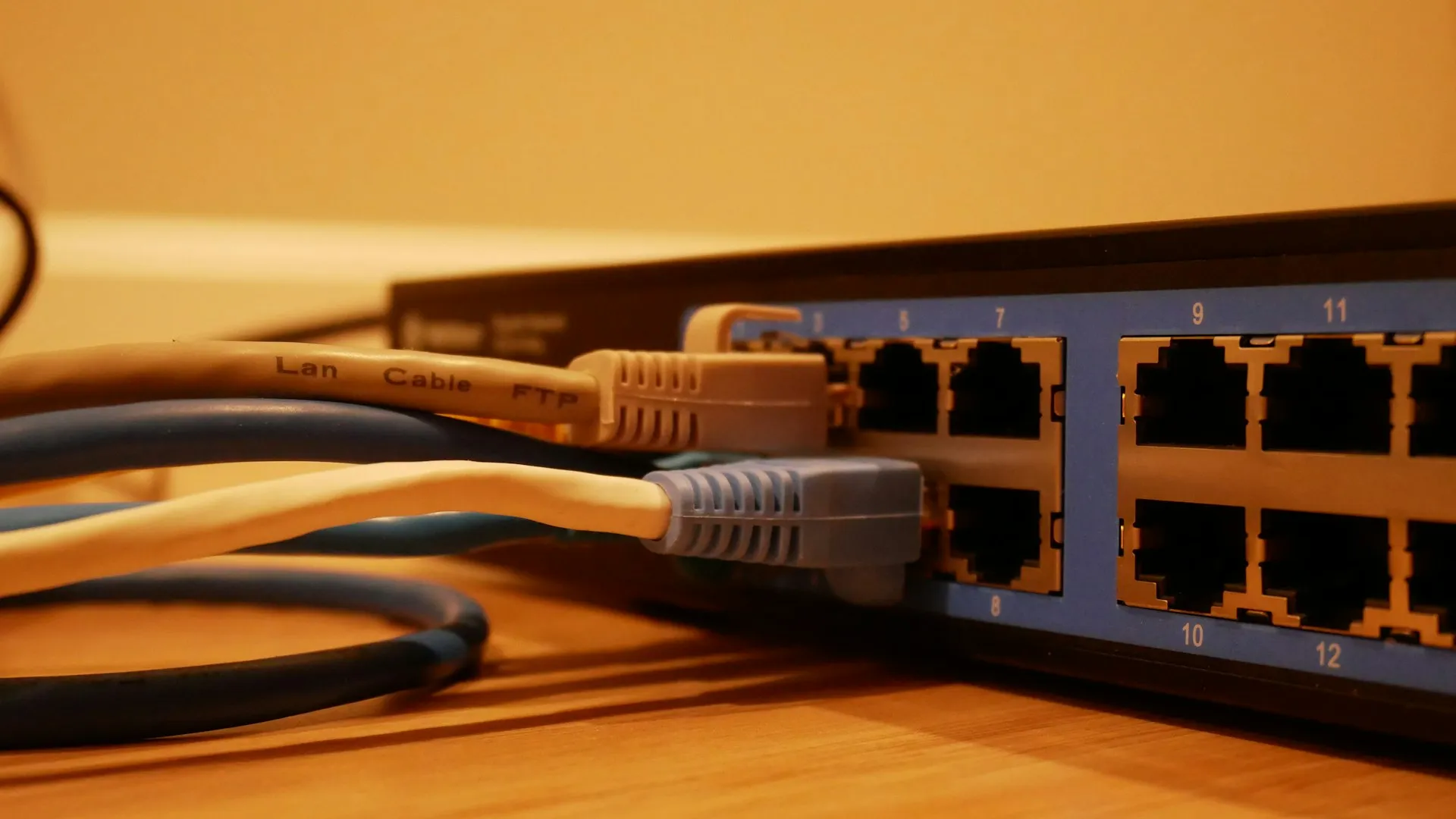
Ethernet cables plugged into a network switch
An open standardIntroduced by Anthropic in November 2024
MCP in plain English

What is the Model Context Protocol (MCP)?

MCP is a common way for AI assistants to talk to other software. Instead of a custom integration for every pair of AI tool and business system, each system gets an MCP connector, called a server, that any compatible assistant can use.

  • Resources: data the AI can read, such as documents, records, or reports
  • Tools: actions the AI can take, such as searching, creating a ticket, or updating a field
  • Clients: the AI apps your people use, which call those resources and tools when needed

MCP makes connections easy. That is exactly why they need governance: an assistant connected to everything, with no limits, is a data leak waiting to happen. System aggregation means putting your connectors behind one controlled, audited layer, in line with your AI governance policy.

How it fits together

One governed MCP layer between AI assistants and your business systems

Your assistants reach your systems only through connectors we configure, authenticate, scope, and log.

What your team can ask

Connect Microsoft 365, CRM, accounting, and ERP to AI

Once systems are connected, people get answers that span them, in plain language, limited to what they are already allowed to see. Example questions:

Microsoft 365 & SharePoint

“Find the latest signed version of the 42nd Street lease and summarize the renewal terms.”

CRM

“Which open opportunities have not had a follow-up in two weeks?”

Accounting

“List unpaid invoices over 60 days for this client, with amounts and dates.”

ERP & inventory

“What is on hand for this part number, and what is already committed to orders?”

Ticketing & service desk

“Summarize every ticket from this client this quarter and the common causes.”

File shares & databases

“Pull the project budget table and compare it with last month’s report.”

How we roll it out

From system inventory to governed AI access

Connections are added in deliberate steps, starting with read-only access for a small group.

Plan your MCP rollout
01
Inventory

We list the systems your team wants AI to reach, the data in each, and who is allowed to see it today.

02
Define access

For each system we decide what the AI may read, what it may change, and which actions need a person to approve.

03
Build connectors

We set up vendor-provided MCP servers where they meet the bar, or build connectors when they do not, behind your sign-in.

04
Pilot read-only

A small group uses read-only access first, so we can check answers, permissions, and logs before anything can write.

05
Expand & maintain

We add write actions where they make sense, review access and logs on a schedule, and keep connectors updated.

Security & governance

MCP security controls: authentication, scopes, boundaries, and audit

Connecting AI to business systems creates new paths to your data. These controls keep those paths narrow, visible, and accountable.

Hardware security key for passwordless sign-in
01

Every connection runs as a known identity

Connectors authenticate through your identity provider, such as Microsoft Entra ID, with MFA. The AI acts on behalf of a signed-in user or a dedicated service account, never through shared passwords.

  • OAuth-based sign-in for remote MCP servers
  • User-delegated access so people only reach what they already can
  • Credentials stored in a vault, not in config files
Combination padlock resting on a laptop keyboard
02

Least-privilege access with separate read and write scopes

Most value comes from reading data. We start every connector read-only, and add write actions one at a time, with a person approving actions that change records, send messages, or move money.

  • Per-system, per-role scopes instead of all-or-nothing access
  • Write actions limited to specific, documented operations
  • Human approval for high-impact actions
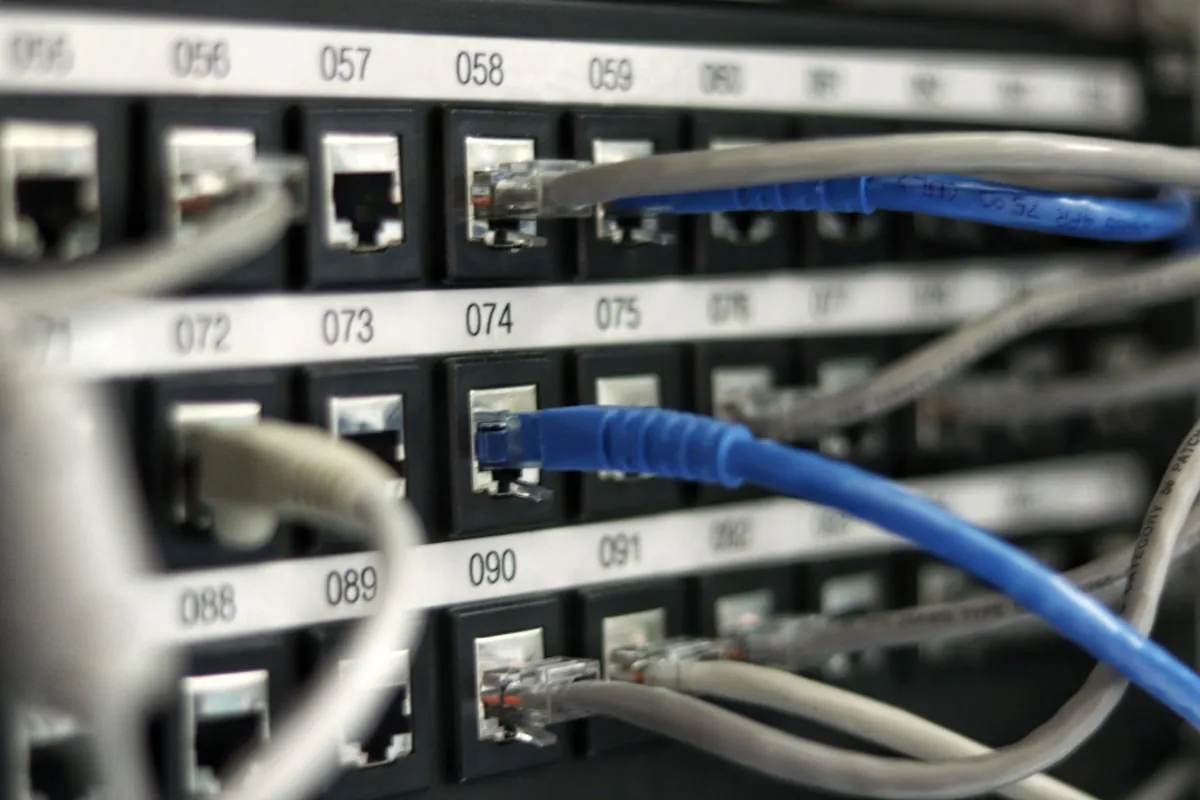
Network patch panel with blue and grey cables connected
03

Data only flows where you have approved it

When an assistant reads data through MCP, that data is sent to the AI service to produce an answer. We connect only to AI services your business has approved, limit what each connector exposes, and keep sensitive systems out of scope until you decide otherwise.

  • Allow-list of approved AI tools and MCP servers
  • Third-party MCP servers vetted before use
  • Sensitive data labeled and excluded where required
Long aisle of server racks in a data center
04

Audit logging you can actually review

Every request through a connector is logged with who asked, which tool ran, and what system it touched. Logs can feed your existing security monitoring so unusual activity stands out.

  • Request and action logs per user and per system
  • Scheduled access reviews
  • Defenses against prompt injection, such as limiting what untrusted content can trigger
Why Neteam Solutions

AI system integration from the team that secures your IT

Security first

MCP access designed by the team that already handles identity, MFA, and threat detection for NYC businesses.

Microsoft 365 depth

We manage the Microsoft 365 tenants, SharePoint permissions, and Entra ID identities these connectors depend on.

Vendor-neutral

One governed layer for the AI assistants your team uses, so switching tools does not mean starting over.

Running business IT since 2001

Offices in Astoria, Queens and Williston Park, Long Island, with network monitoring 24/7/365.

FAQ

MCP and AI system integration questions

What is MCP (Model Context Protocol)?

The Model Context Protocol is an open standard, introduced by Anthropic in November 2024, for connecting AI assistants to outside data and tools. A system exposes its data and actions through an MCP server, and any compatible AI application can use it. It replaces one-off integrations with a common way to connect.

Which AI assistants support MCP?

MCP support has spread quickly across AI products, including Claude, ChatGPT, and Microsoft Copilot Studio, as well as many developer tools. Exact capabilities depend on the product, plan, and admin settings, and they change often, so we confirm what your licenses allow before designing a rollout.

Is it safe to connect our business systems to AI?

It can be, with the right controls. Risks include over-broad permissions, untrusted third-party connectors, and prompt injection, where hidden instructions in content try to make the AI misuse a tool. We address these with authenticated connections, least-privilege read and write scopes, human approval for actions, vetted servers, and audit logging.

Does our data leave our environment when AI uses it?

When an AI assistant reads data through a connector, the relevant content is sent to that AI service to generate a response. That is why we connect only to AI services you have approved, limit what each connector can see, and keep sensitive systems out of scope unless you decide to include them.

Can the AI change records or only read them?

Both are possible, and you decide. We start with read-only access, then add specific write actions, such as creating a ticket or updating a CRM field, with human approval for anything high impact.

Do we need Microsoft Copilot or Claude to use MCP?

You need an AI assistant or agent platform that supports MCP. Many businesses start with the tool they already license. Because MCP is an open standard, the same governed connectors can usually serve more than one assistant.


Give your AI the context it needs, and nothing more

Tell us which systems your team wants AI to work with, and we will map a governed way to connect them. Call 718-433-2925 or email sales@neteam.us.

Talk to our team